

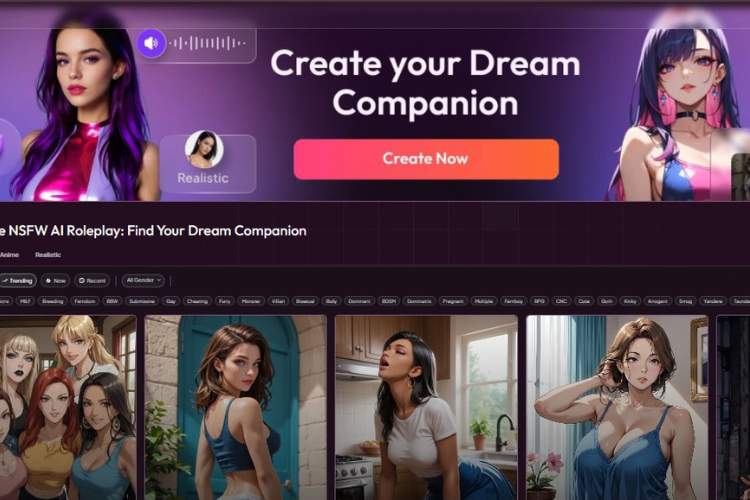
This guide walks you through every step of AI girlfriend creation, explains what each control does, and gives quick tips so you can go from blank slate to a finished character confidently. Wherever you see Advanced Mode, you can usually type your own custom text instead of (or in addition to) clicking preset tags.
Responsible use note: Create only adult (18+) characters, avoid real-person lookalikes, and skip any non-consensual or otherwise inappropriate scenarios.
1) Choose Creation Mode
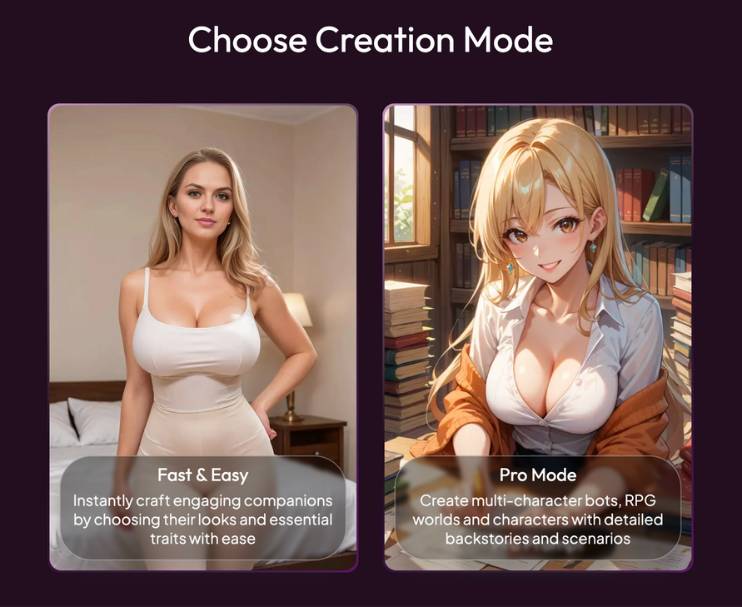
- Fast & Easy – quickest route. Pick looks and a few traits; the app handles the rest.
- Pro Mode – for world-building: multi-character bots, RPG-style backstories, detailed scenarios.
Tip: Start in Fast & Easy to learn the flow; switch to Pro when you want deeper control.
2) Choose Gender
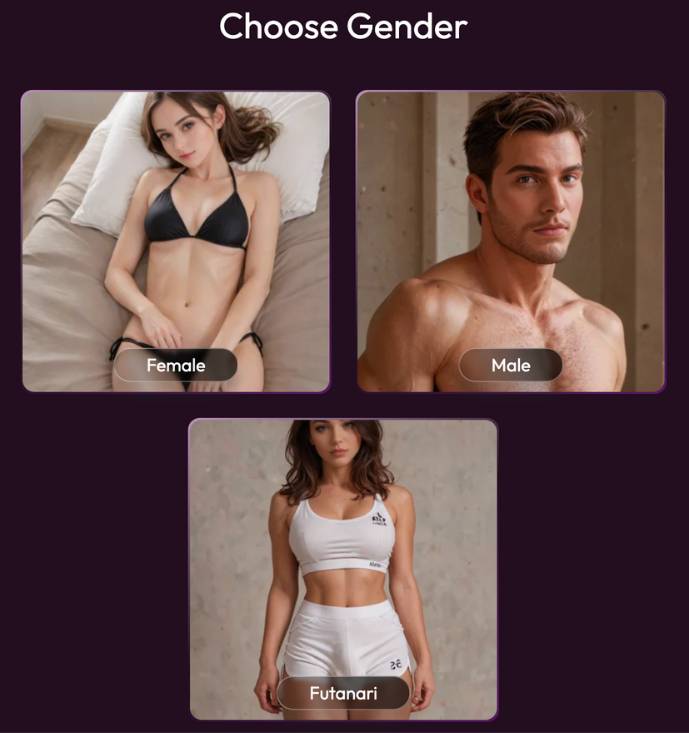
Options visible: Female, Male, Futanari.
This sets default voice pools, body options, and some later presets.
Tip: If you change gender later, revisit voice and body steps to keep everything consistent.
3) Choose Style
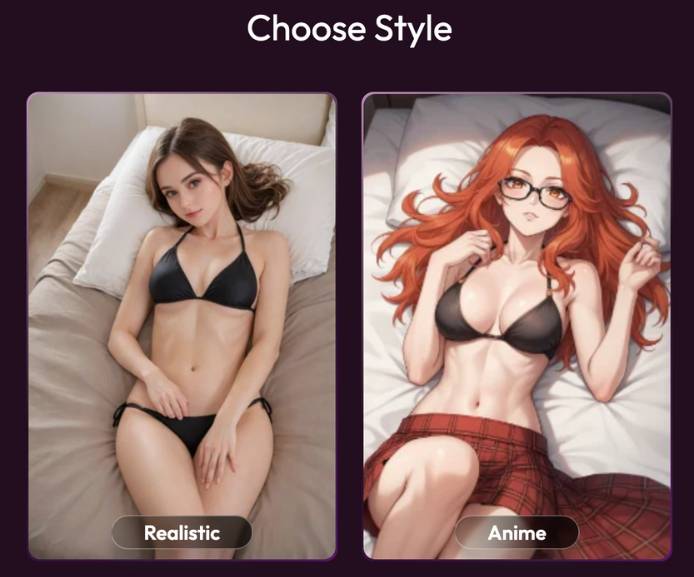
- Realistic – lifelike photos.
- Anime – stylized art.
Tip: Your later hair/eye colors and outfits render in the chosen style, so decide here whether you want photo-real or illustrated.
4) Species
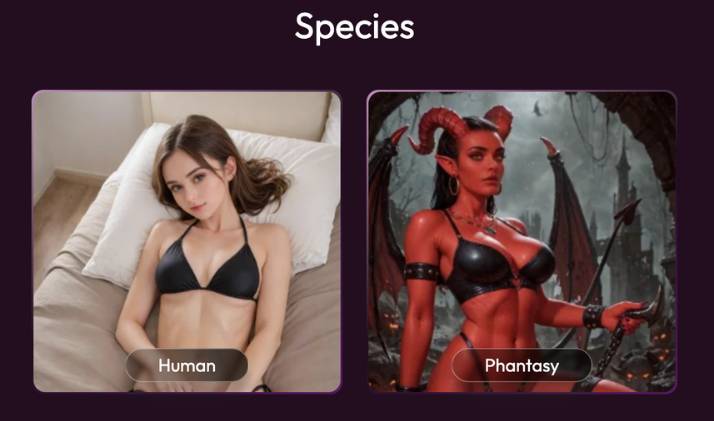
- Human
- Phantasy (Fantasy) – e.g., demon/elf-like looks.
Tip: Fantasy models pair well with bold hair colors and dramatic outfits later.
5) Choose Ethnicity
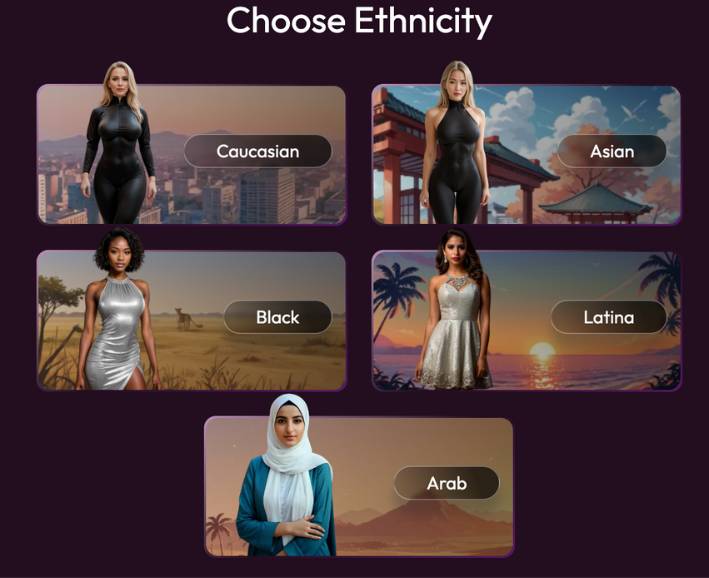
Presets shown: Caucasian, Asian, Black, Latina, Arab.
Tip: You can refine distinctiveness later with hair/eye color and outfits.
6) Choose Body Type
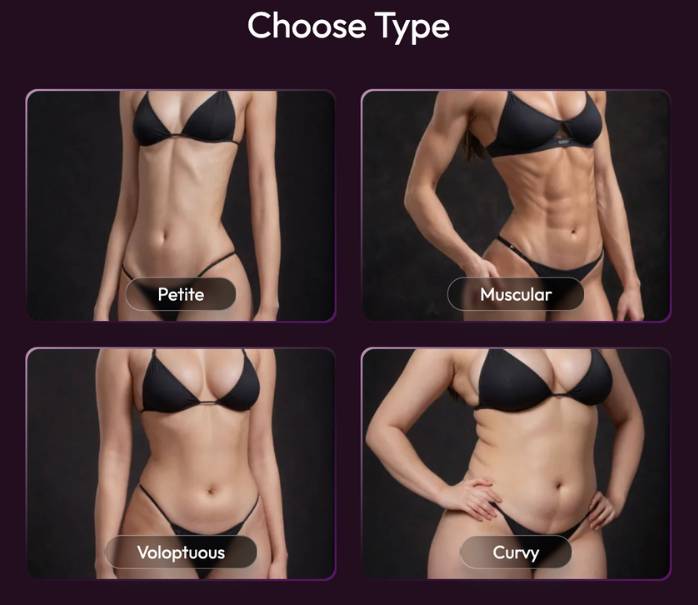
Visible options: Petite, Muscular, Voluptuous, Curvy.
Tip: Pick the silhouette that matches the character’s vibe (e.g., Muscular for an athlete).
7) Choose Breast Size
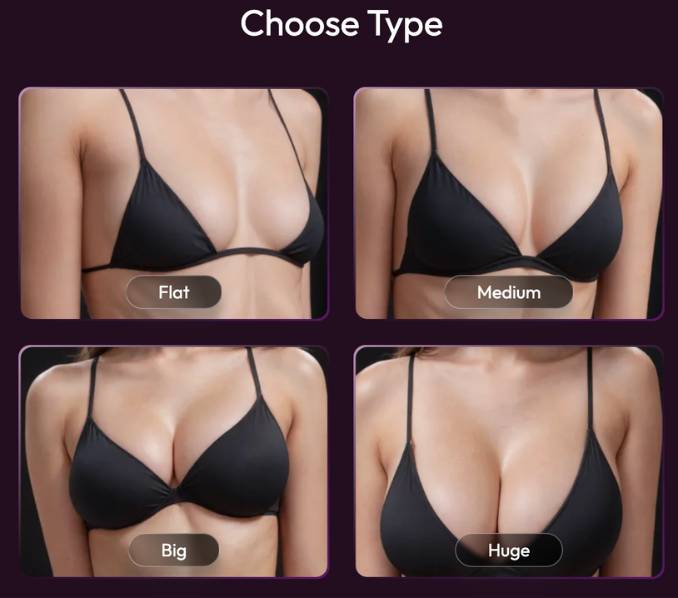
Options: Flat, Medium, Big, Huge.
Tip: If you plan modest clothing, Medium/Flat reads most natural; glam looks often suit larger presets.
8) Choose Hair Type
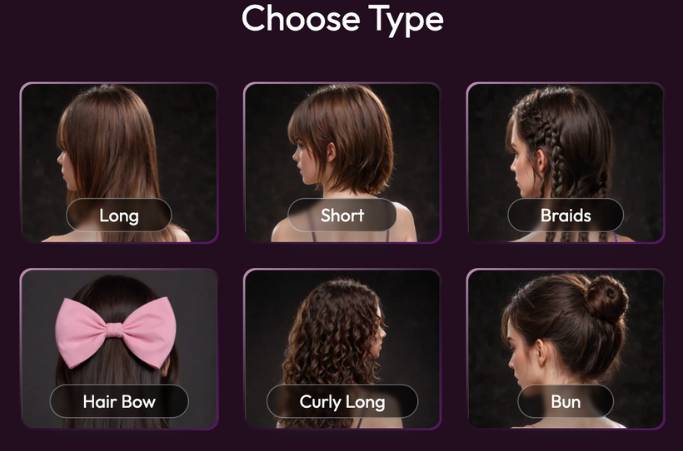
Options shown: Long, Short, Braids, Hair Bow, Curly Long, Bun.
Tip: Updos (Bun) work well with uniforms/formal outfits; Curly Long adds a playful, lively feel.
9) Choose Hair Color
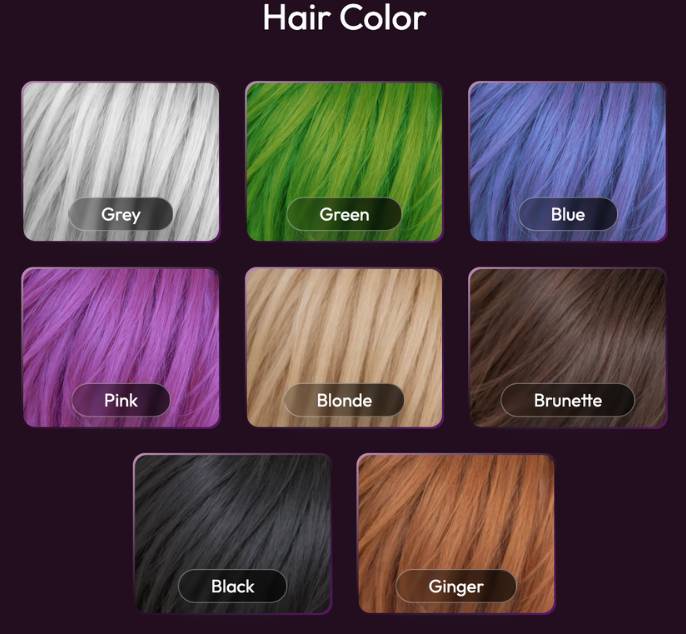
Palette shown: Grey, Green, Blue, Pink, Blonde, Brunette, Black, Ginger.
Tip: Realistic route: Blonde/Brunette/Black/Ginger. Fantasy/anime: Green/Blue/Pink/Grey pop more.
10) Choose Eye Color
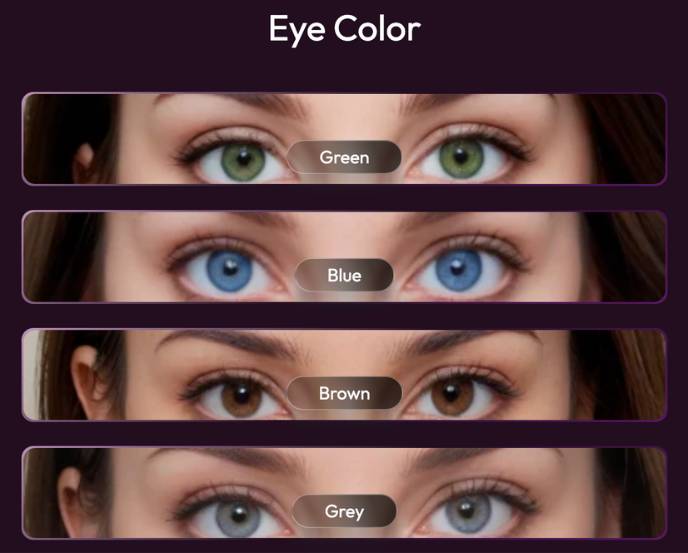
Options: Green, Blue, Brown, Grey.
Tip: For high contrast, pair dark hair with light eyes (or vice versa).
11) Choose Age
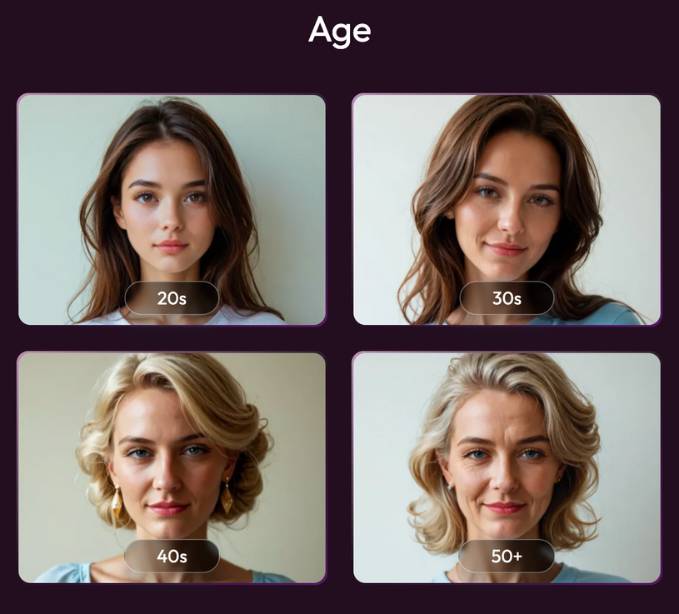
Presets: 20s, 30s, 40s, 50+.
Tip: Age influences the face shape/maturity of expressions; pick what best fits your story and keep characters strictly adult.
12) Personality Traits
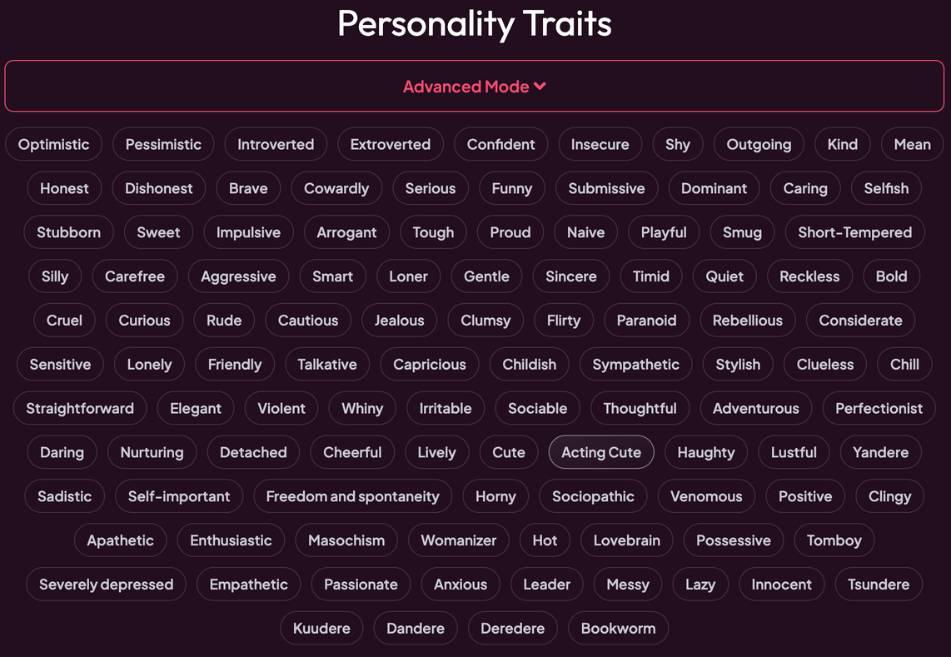
Large tag cloud (e.g., Optimistic, Introverted, Confident, Playful, Talkative, Gentle, Thoughtful, Adventurous, Leader, Bookworm, etc.) with an Advanced Mode toggle.
- Click multiple traits to blend a persona.
- Advanced Mode lets you type nuanced descriptors (e.g., “dry humor,” “calm under pressure”).
Tip: 5–8 focused traits create a clearer personality than selecting everything.
13) Interests & Hobbies
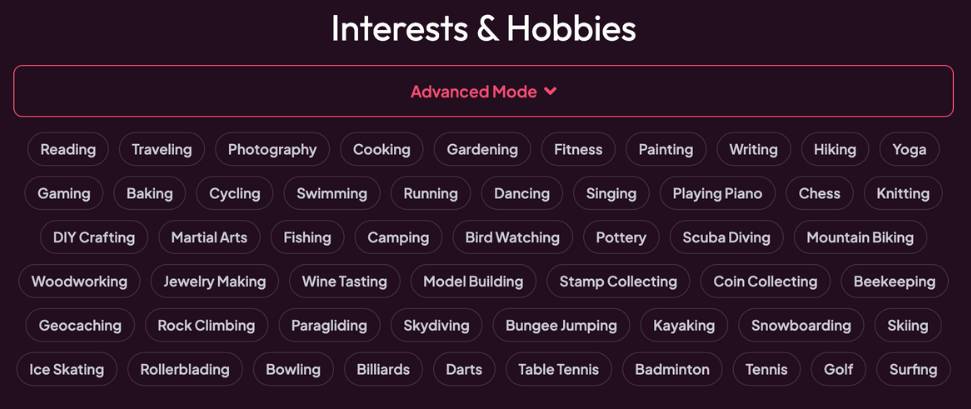
Tag board with activities (e.g., Reading, Cooking, Fitness, Photography, Gaming, Dancing, Rock Climbing, Wine Tasting, Coin Collecting, etc.) plus Advanced Mode input.
Tip: Mix 2–3 core hobbies with 1 quirky niche (e.g., “Bird Watching”) to make the character memorable.
14) Setting & Scenario
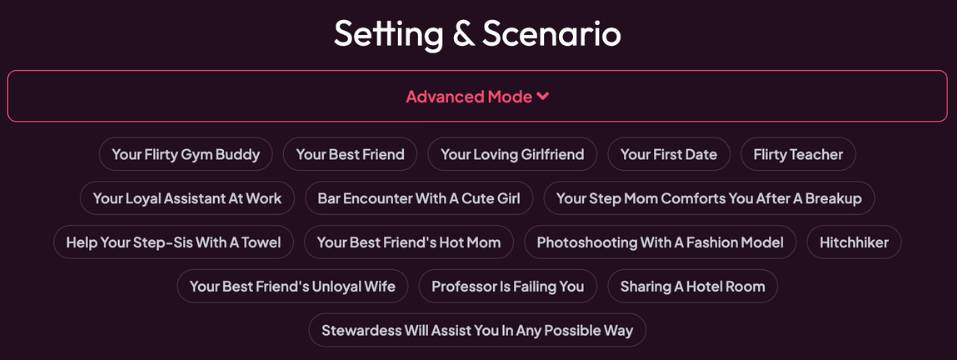
Preset prompts such as Your Best Friend, Your Loving Girlfriend, Your First Date, Flirty Teacher, Bar Encounter, etc., plus a free-text field under Advanced Mode.
Tip (important): Keep scenarios wholesome, consensual, and appropriate. If a preset doesn’t align with that, ignore it and write your own custom, respectful setup (e.g., “Coffee shop meet-cute after a rainy day,” “Teammates prepping for a marathon”).
15) Outfit & Appearance
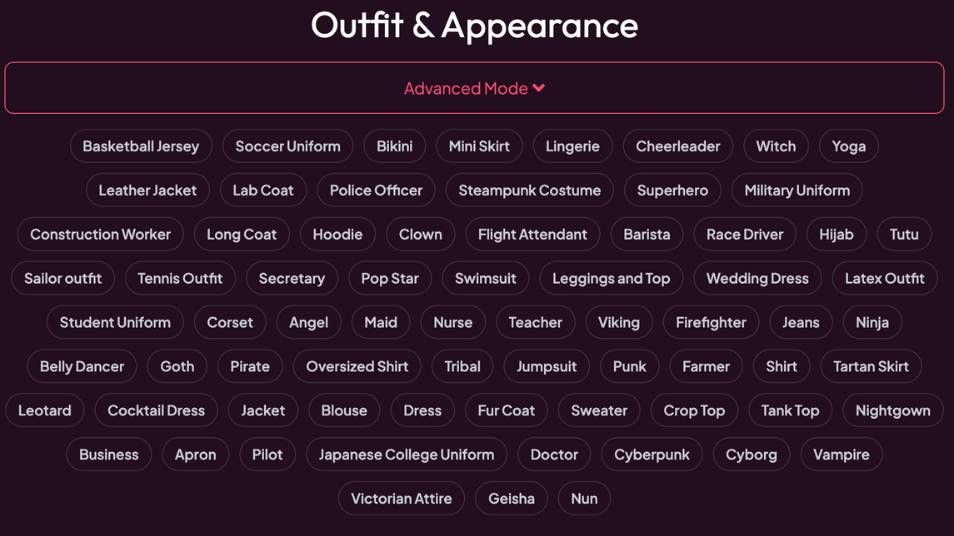
A large wardrobe of tags (e.g., Bikini, Mini Skirt, Leather Jacket, Lab Coat, Police Officer, Steampunk Costume, Hoodie, Corset, Cocktail Dress, Business, Jeans, Cyberpunk, Victorian Attire, Nightgown, etc.) with Advanced Mode for custom looks.
Tips:
- Pair outfits with personality (e.g., Artist → “Oversized Shirt + Jeans”; Scientist → “Lab Coat”).
- For Realistic style, everyday wear looks most natural; for Anime/Fantasy, bold costumes shine.
16) Voice
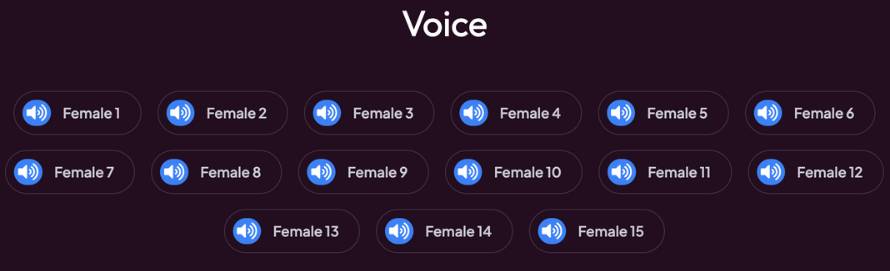
Grid of Female 1–15 voice buttons with a speaker icon to preview. (When Male is chosen earlier, you’ll see male options.)
- Click the speaker to audition; click the label to select.
Tip: Say a sample line in your head (or paste to TTS if supported) and choose the voice that fits how you imagine her speaking—warm, energetic, calm, etc.
17) Summary (Overview & Finalize)
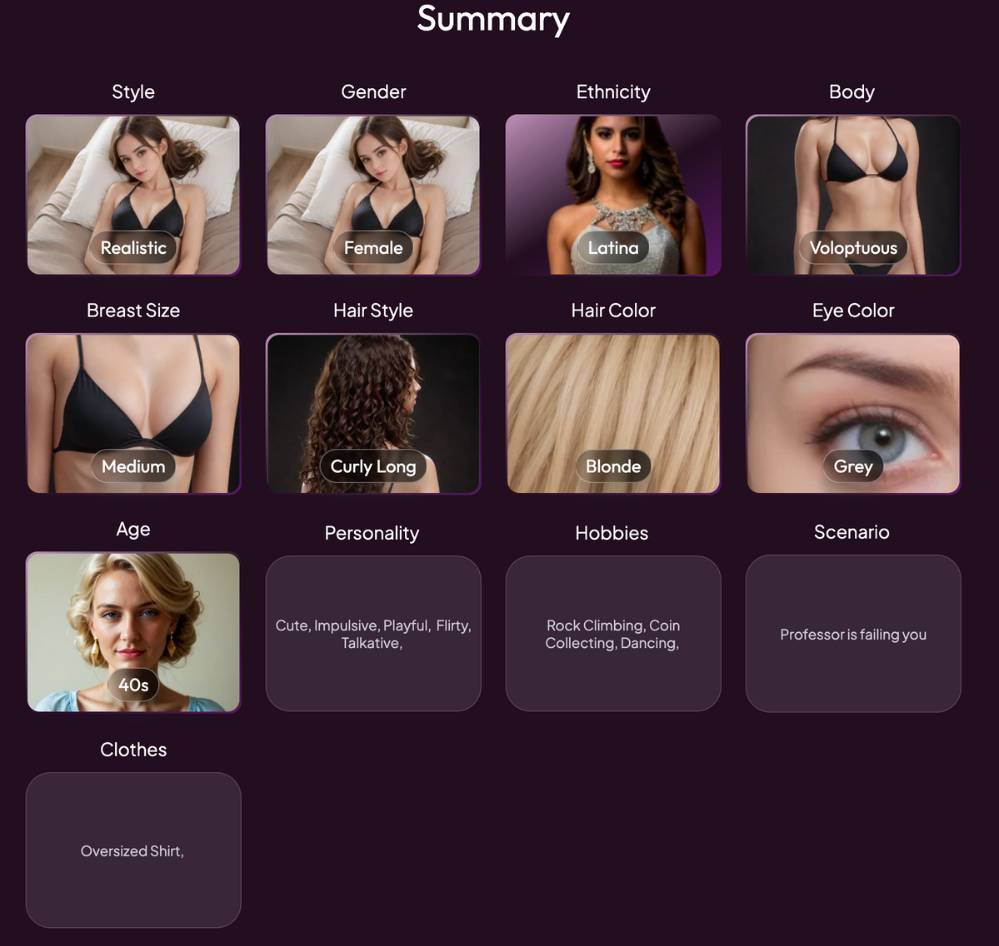
The Summary dashboard shows tiles for everything you picked:
- Style, Gender, Ethnicity, Body
- Breast Size, Hair Style, Hair Color, Eye Color
- Age, Personality, Hobbies
- Scenario, Clothes
From here you can:
- Tap any tile to jump back and tweak it.
- Confirm all looks/traits.
- Create / Generate your AI girlfriend (button label may vary).
Pro tips before you finalize
- Consistency pass: Make sure age, voice, personality, and scenario all align (e.g., “30s, confident, witty copywriter meeting you at a bookstore cafe”).
- Three-sentence backstory (if Pro Mode): Add a short origin, goal, and current mood—this dramatically improves conversations.
- Save presets: If the app supports saving, store looks and voices you like for quick future builds.
Quick Example Build (safe & friendly)
- Mode: Fast & Easy → Style: Realistic → Species: Human
- Gender: Female → Ethnicity: Latina → Age: 30s
- Body: Curvy → Breast Size: Medium
- Hair: Curly Long, Color: Brown/Brunette → Eyes: Green
- Personality: Friendly, Witty, Thoughtful, Adventurous, Bookworm
- Hobbies: Hiking, Photography, Cooking
- Scenario (Advanced Mode): “We met at a local hiking club; planning a sunrise trail and swapping photo tips over coffee.”
- Outfit: Jeans + Jacket (casual outdoor vibe)
- Voice: Female 10 (warm & energetic)
Finalize on the Summary page to generate your companion.
Troubleshooting & FAQs
- She looks different than expected: Revisit Style (Realistic vs Anime) and Hair/Eye colors; subtle changes in body type also affect the overall vibe.
- Voice doesn’t match the persona: Return to Voice and audition a calmer/warmer option.
- Too generic personality: Use Advanced Mode in Traits to add specific quirks (e.g., “deadpan humor,” “keeps travel journals”).
- Scenario feels awkward: Rewrite a simple, respectful meet-up premise (bookshop, gym buddies, colleagues on a project).